Fleetfold Verify
Sign in to the console
Open the admin console to create users, send enrollment invites, and configure MFA policy for your organization.
Install the Android app
Download the Android app, install it on enrolled phones, and activate with the invite from IT. Users will receive Windows sign-in requests here.
Protect Windows PCs
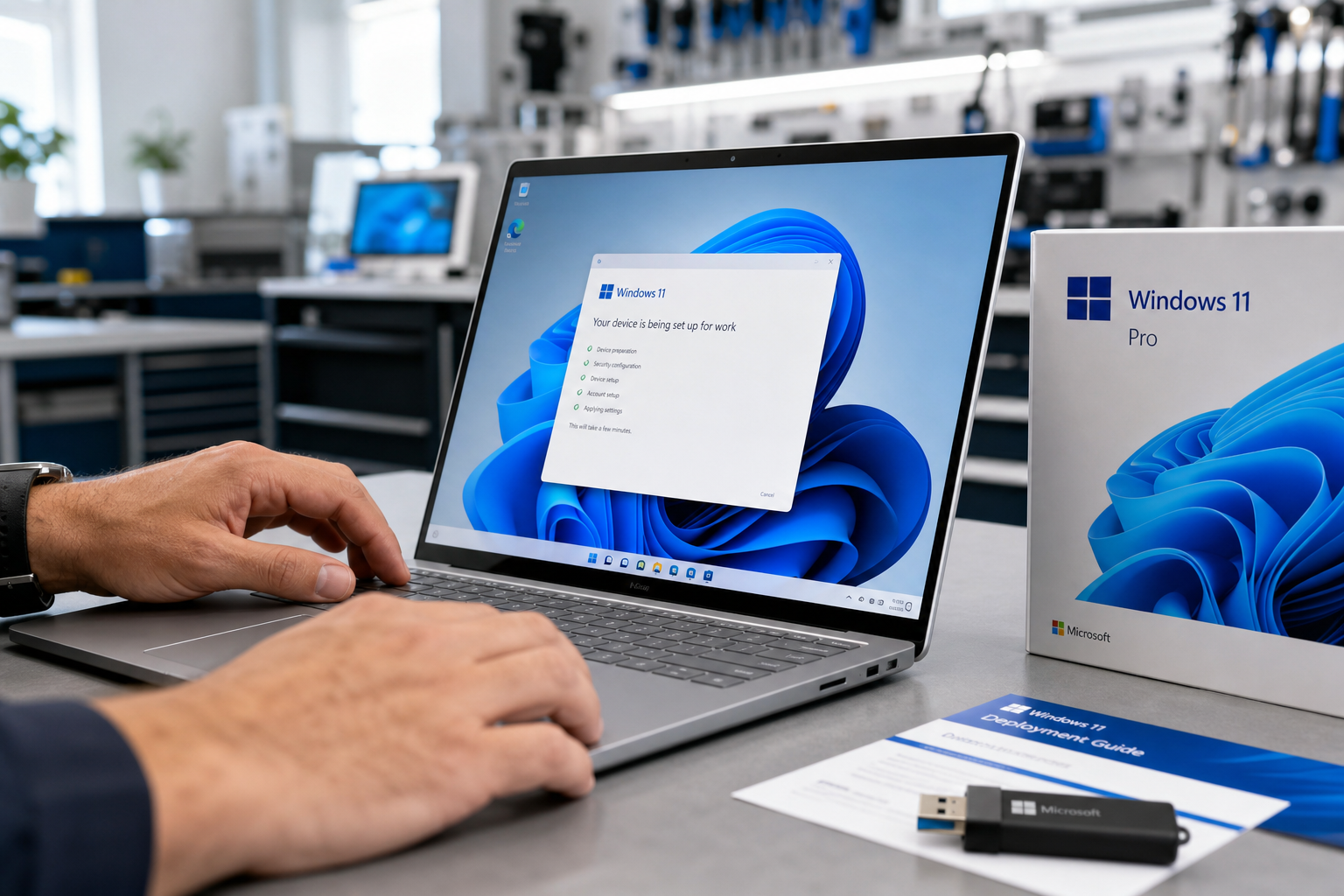
Install the Windows agent and login MFA package from the downloads center. Follow the IT guide, then reboot so the Credential Provider loads.
Enroll users and enforce policy
Invite the pilot group, enable verified push and Block USB storage as required, then validate a real Windows sign-in and a USB stick test before expanding the fleet.
Need detailed deployment guidance?
Use the IT and user guides for enrollment, offline packs, safe install order, and day-two operations. Leadership can review Security Ops after the first successful challenges land.