
 Fleetfold Verify
Push, passcode, offline
Primary phone approve with TOTP fallback and travel or offline packs when networks are unreliable.
Fleetfold Verify
Stop password-only PC access with push approval, anti-phishing codes, and one-toggle USB storage block on enrolled PCs. Built for IT teams that need proof at the lock screen, and control after sign-in, without another SaaS dependency.
Phishing, reused passwords, and stolen sessions still open offices every week. Fleetfold adds a second factor at the Windows Credential Provider so a password alone never completes a desktop session.
Users pick Mobile push or a 6-digit passcode in the Fleetfold Verify dialog. If they deny or report fraud, you can disconnect the workstation that started the challenge.
See how logon works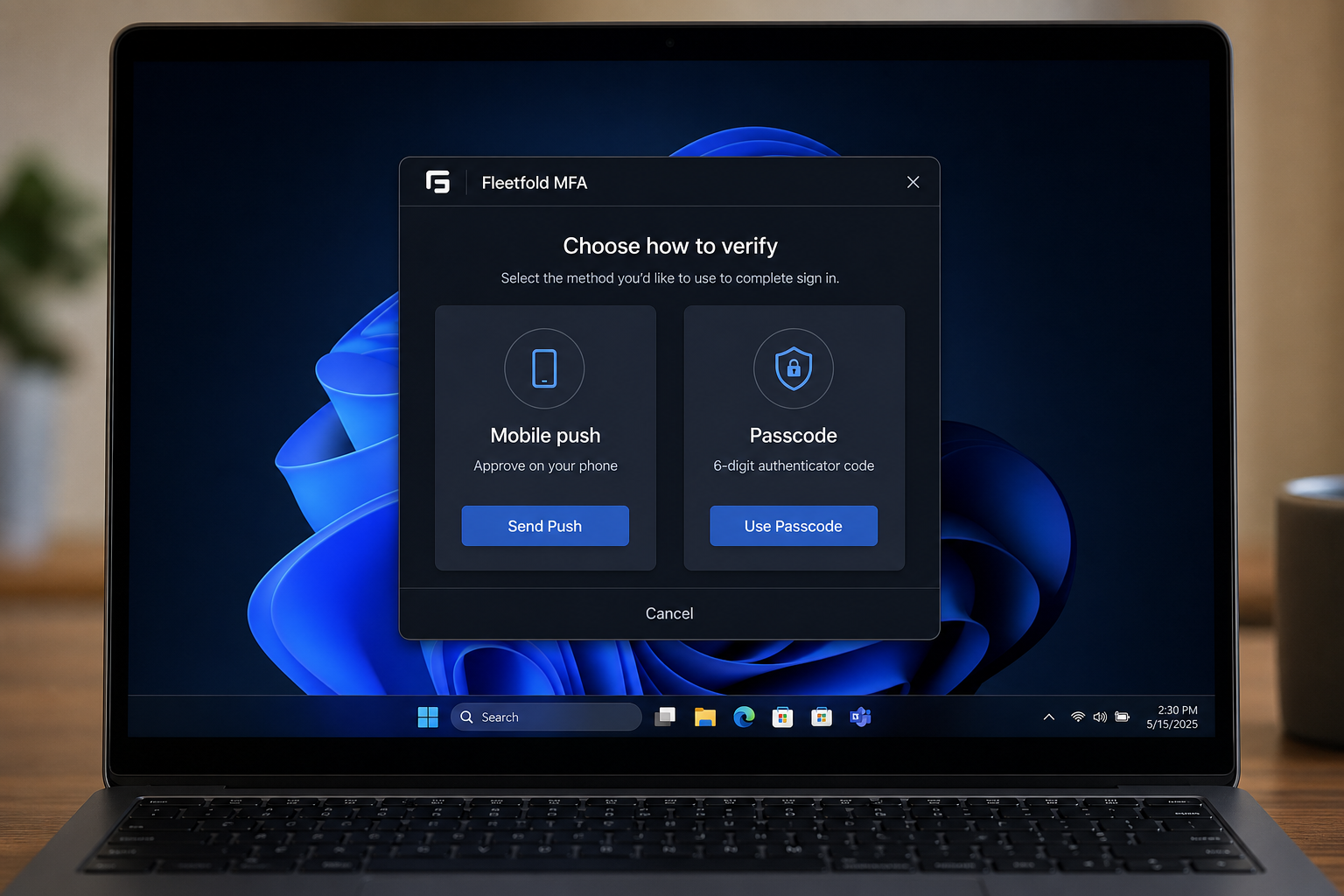
High-priority mobile notifications reach users even when the app is in the background. For high-assurance policies, Fleetfold shows a short 2-digit verification code on the Windows screen. The phone must enter those digits before Approve succeeds.
That blocks blind prompt bombing. A random push from an attacker does not unlock the PC without the code sitting in front of the legitimate user.
Read the security model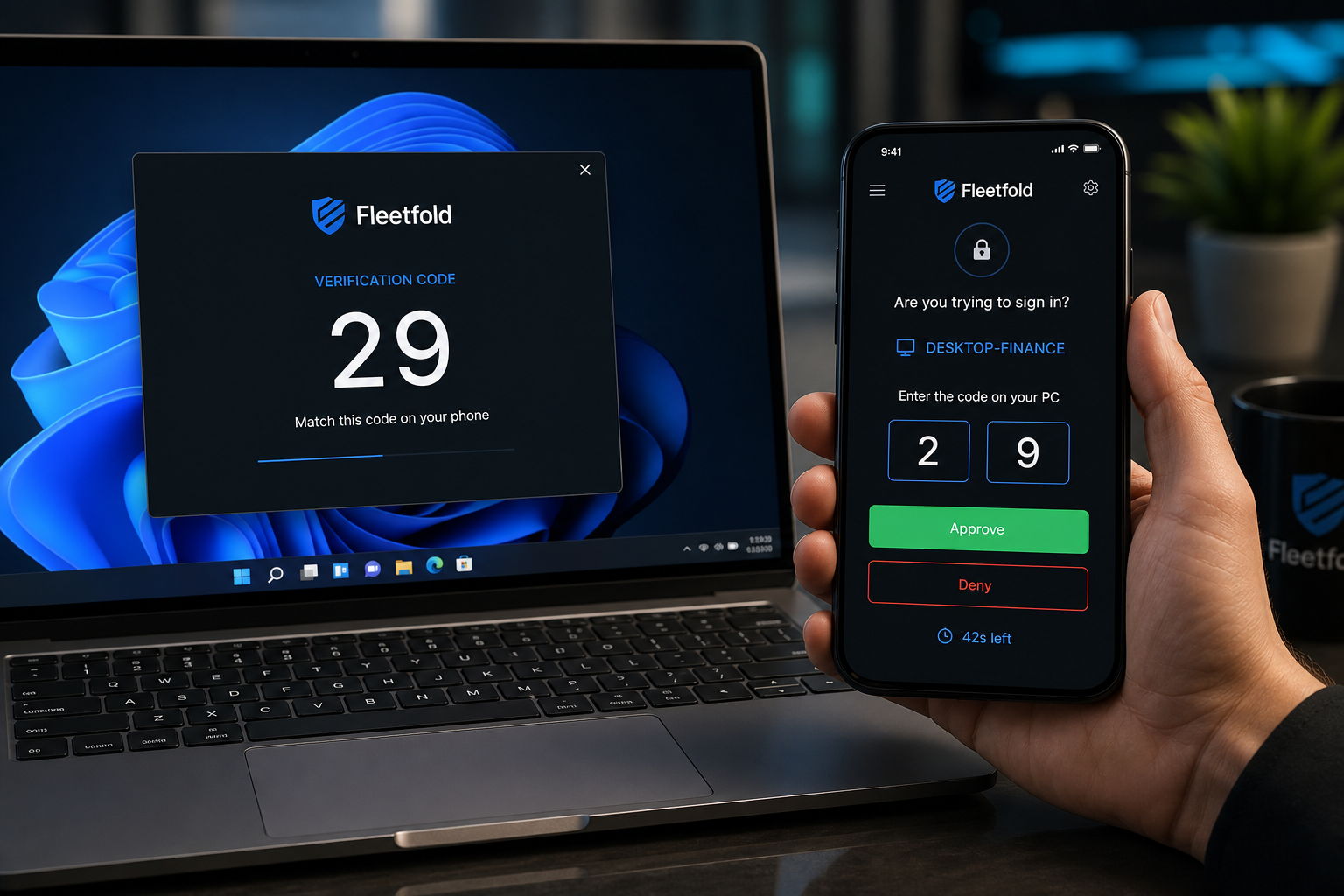
Fleetfold is a complete Windows MFA stack: logon enforcement, mobile approval, policy, audit, and response. Not a dashboard that still leaves the lock screen unprotected.
Primary phone approve with TOTP fallback and travel or offline packs when networks are unreliable.
Separate product: selective USB, timed lock, remote wipe, shell lockdown, and browser URL whitelist on enrolled PCs.
Anomalies, containment, device posture, playbooks, and evidence packs for real incident response.
Allow Hello or FIDO where policy permits, while keeping password logons MFA-first everywhere else.
Run on your host. Enrollment, secrets, and audit stay inside your boundary instead of a mandatory MFA cloud.
Credential Provider, agent, and Android app designed for fleet pilots that need results in days, not quarters.
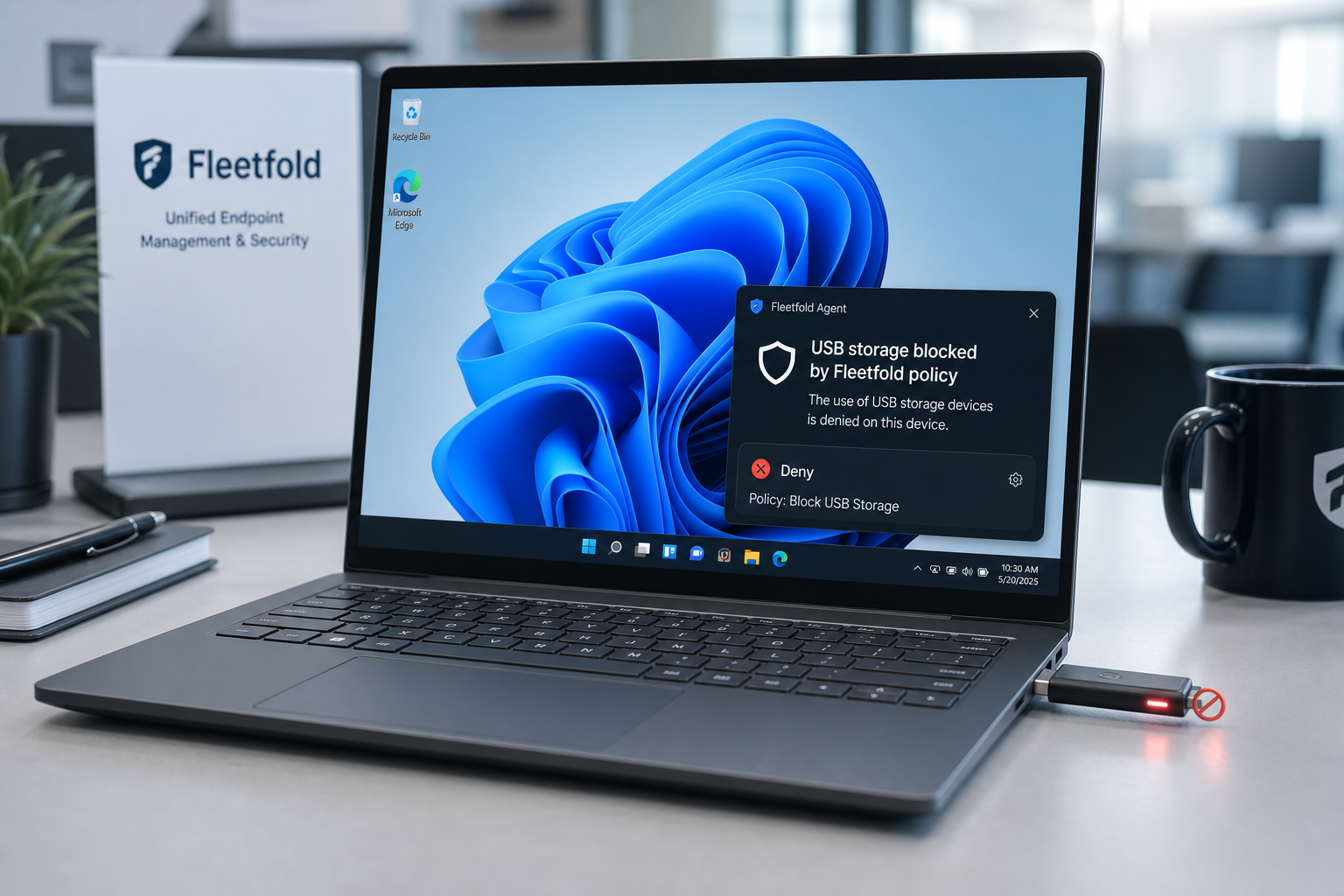
Sign-in MFA stops stolen passwords. USB storage block stops the next step: walking data out on a stick. Toggle Block USB storage in Policies. Enrolled agents apply it automatically, eject mounted sticks, and keep deny sticky across reboot.
One agent. One policy. MFA at the lock screen plus removable-media control after logon, without buying a separate USB DLP tool for the fleet.
See USB storage control
Enterprise IT needs consistent enforcement across workstations. Fleetfold deploys with an agent and Credential Provider so every managed PC can require MFA at logon, with shared policies from your console.
Pair that with USB storage block so a successful sign-in does not become an easy path for removable-media exfiltration.
Run the Fleetfold API and database on infrastructure you operate. Enrollment, secrets, and audit stay inside your boundary instead of a mandatory per-seat MFA cloud.
That matters for regulated teams, air-gapped-friendly designs, and buyers who will not outsource desktop access decisions.
Read the security model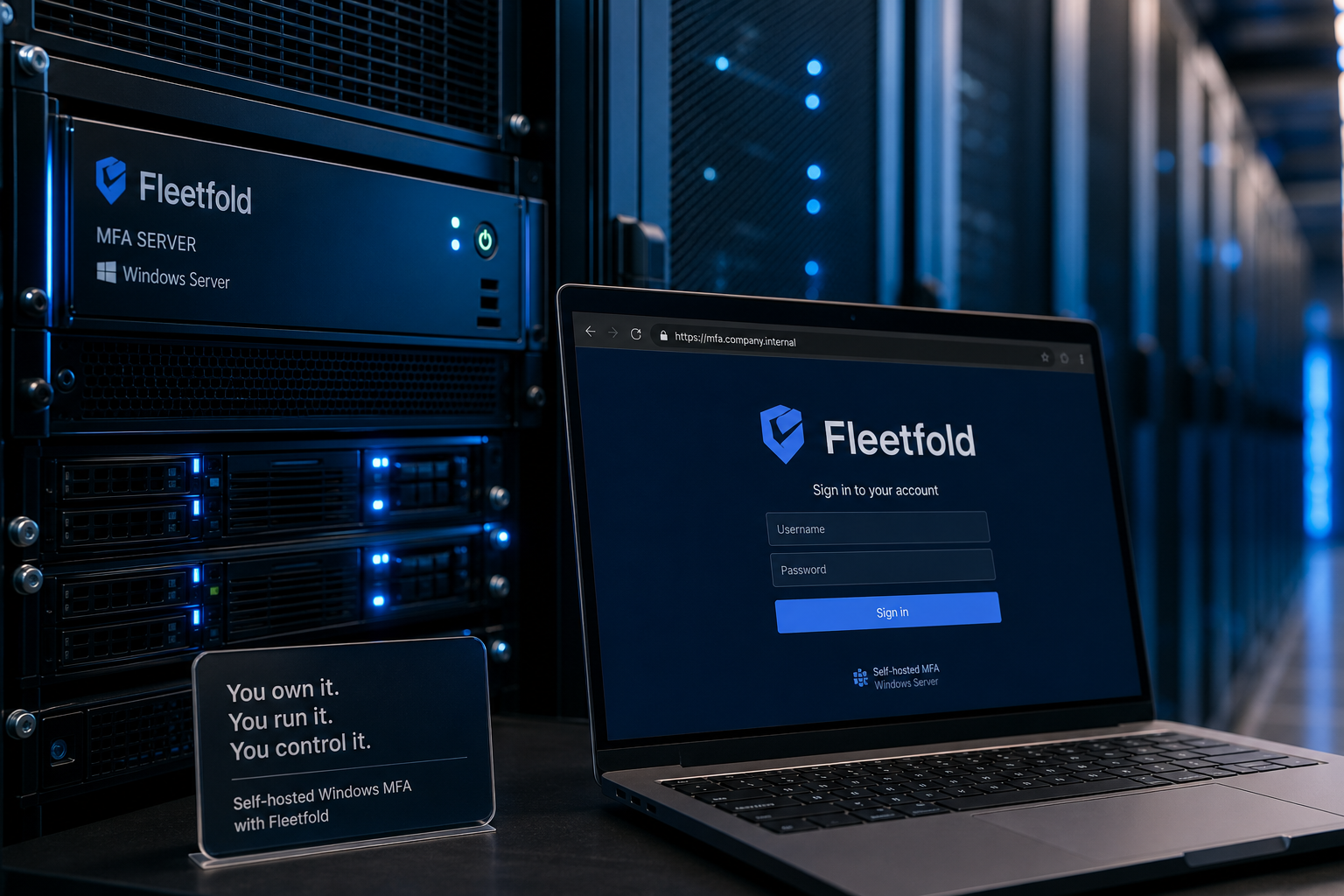
Enroll users, tune verified push, review challenges, and contain risk from a dedicated admin console. Operators see sign-in activity and policy without living in a generic SIEM screenshot.
Open admin console
Stand up Fleetfold on your infrastructure, enroll the first cohort, and make the next desktop logon prove identity with push or passcode.